Stand in front of your camera, and the game shows you where to step. Move there in real life to score. You don't need a table, a ball or an app.
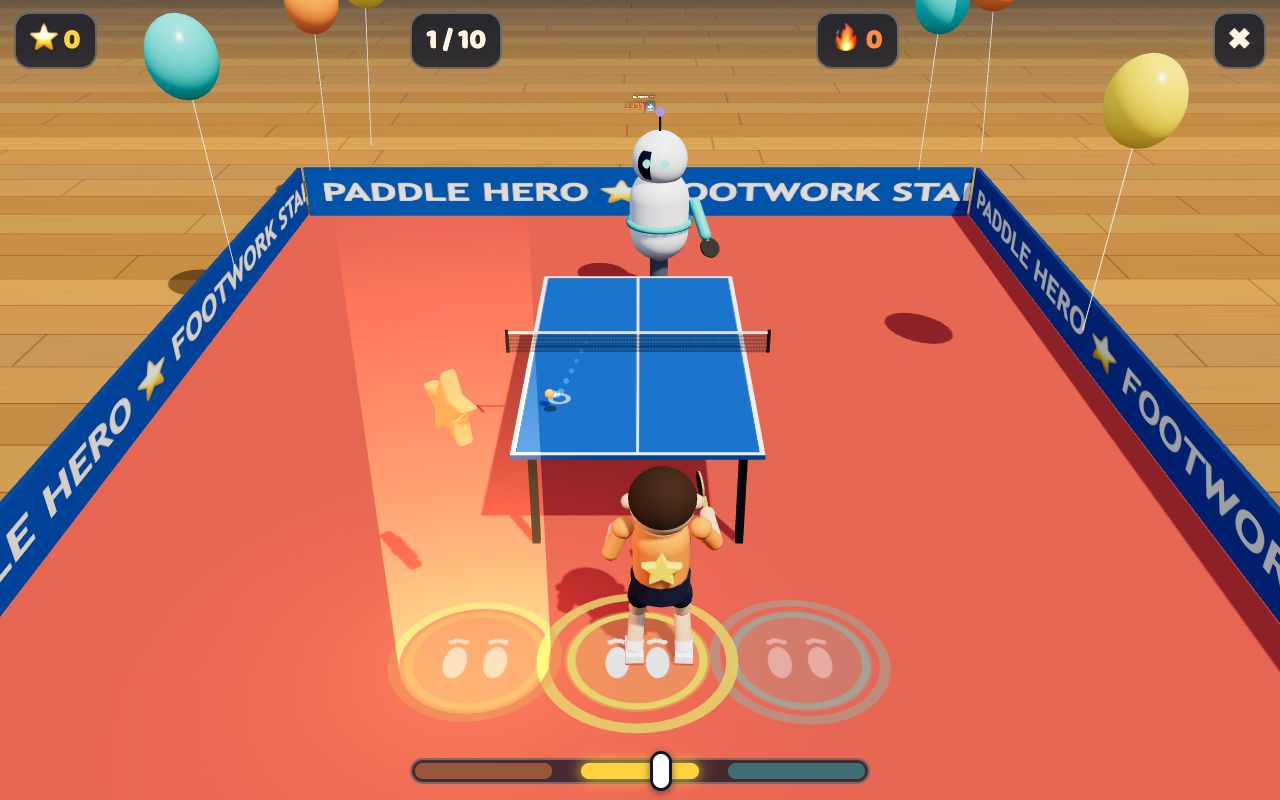 🌟 Start here: Footwork Star
Three steps. A grown-up can set it up in a minute.
Tap a game below. First time? Start with Footwork Star.
Stand about 2.5 m from the screen so the camera can see you from head to feet. Tap Allow when it asks for the camera.
Step or hop to the spot the game shows you. At the end you get stars and see how fast you were.
Six games, all free. Each one starts with a short menu where you choose what to practise and how fast.
Not sure which one? Pick the player:
The games see you through the camera. A good setup makes every step count.
Stand far enough away that your head and feet are both in the picture.
Put the device on a table or chair. On a phone, turn it sideways and prop it up, or cast it to a TV.
Light in front of you, not behind you. Avoid standing in front of a bright window.
The games time your feet. If your feet are cut off, step back a little.
Make room for a big step to each side. Move chairs and toys out of the way.
Only the player should be in the picture, so the game follows the right person.
Every finished round is saved, so you can see yourself improve and race your friends.
Tap the player button (like 🦊 Player 1 ▾) at the top of any game to add a player or switch who's playing. Each player gets their own scores.
Charts of every round: quick start, speed, getting back home, steady feet. Open it from the 📈 button in any game.
Race the players on your device, or sign in to see the best kids in the world, in your country and of your age, and who the current champion is.
Quick answers for players and grown-ups.
A webcam is the real way to play: it sees your feet and times every step. Every game also has a keyboard mode (arrow keys) for trying it out, but only camera rounds measure your footwork.
No. The body tracking runs inside your browser on your own device. The video is never uploaded or saved. Only the results (like "0.45 s quick start") are kept.
No. Choose ▶ Play as guest and everything is saved in this browser on this device. Signing in is optional: a grown-up types their email, gets a 6-digit code (no password), and then every round is saved online, works on any device, and can go on the world leaderboards.
Only players a grown-up has ticked 🌍 for, and only their nickname, animal avatar, country flag and age group (like "9–10"). Use a nickname, not a full name. You can untick it any time in the ☁️ menu.
A laptop or desktop with a webcam works best, in Chrome, Edge, Safari or Firefox. Tablets and phones work too: turn them sideways and prop them up so your whole body is in view.
Step back until your feet are in the picture, turn on more light, and make sure nobody else is in view. Most games start with a short calibration (a hop left and right): do it again if the game seems off.
Footwork Hero's coach drills flip for left-handers: pick the left-handed option in its menu so the patterns mirror the way you play.
The easiest way is to sign in on both devices with the same email. Without an account, use 💾 Backup & data at the bottom of My progress to save a backup file and load it on the other device. Clear data is there too.
